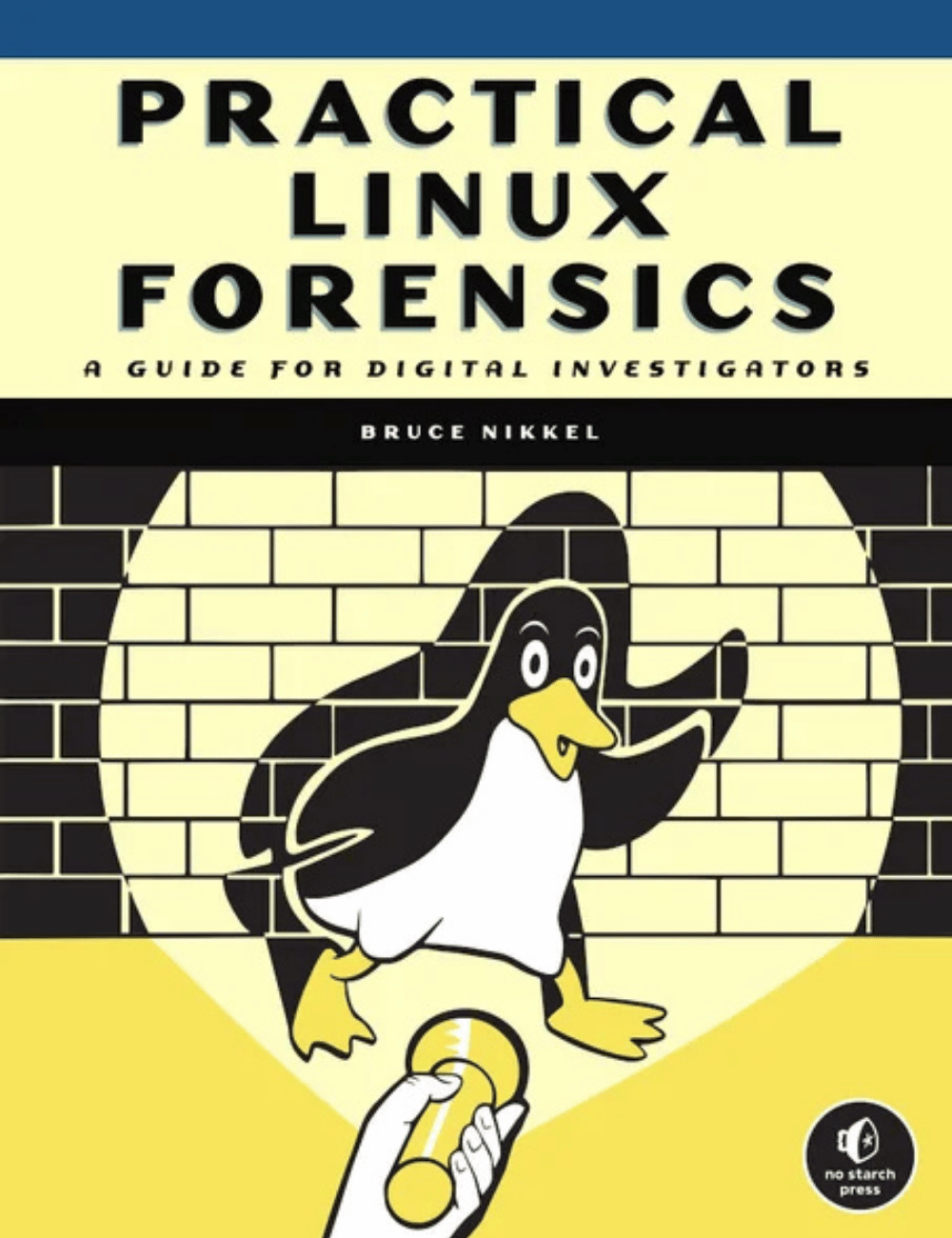
Description
A resource to help forensic investigators locate, analyze, and understand digital evidence found on modern Linux systems after a crime, security incident or cyber attack.
Practical Linux Forensics dives into the technical details of analyzing postmortem forensic images of Linux systems which have been misused, abused, or the target of malicious attacks. It helps forensic investigators locate and analyze digital evidence found on Linux desktops, servers, and IoT devices. Throughout the book, you learn how to identify digital artifacts which may be of interest to an investigation, draw logical conclusions, and reconstruct past activity from incidents. You’ll learn how Linux works from a digital forensics and investigation perspective, and how to interpret evidence from Linux environments. The techniques shown are intended to be independent of the forensic analysis platforms and tools used.
Look Inside!
Practical Linux Forensics dives into the technical details of analyzing postmortem forensic images of Linux systems that have been misused, abused, or the target of malicious attacks. This essential practitioner’s guide will show you how to locate and interpret digital evidence found on Linux desktops, servers, and IoT devices, draw logical conclusions, and reconstruct timelines of past activity after a crime or security incident. It’s a book written for investigators with varying levels of Linux experience, and the techniques shown are independent of the forensic analysis platform and tools used.
Early chapters provide an overview of digital forensics as well as an introduction to the Linux operating system and popular distributions. From there, the book describes the analysis of storage, filesystems, files and directories, installed software packages, and logs. Special focus is given to examining human user activity such as logins, desktop environments and artifacts, home directories, regional settings, and peripheral devices used.
Learn how to:
Extract evidence from storage devices and analyze partition tables, volume managers, popular Linux filesystems (Ext4, Btrfs, and Xfs), and encryptionInvestigate evidence from Linux logs, including traditional syslog, the systemd journal, kernel and audit logs, and logs from daemons and applicationsReconstruct the Linux startup process, from boot loaders (UEFI and Grub) and kernel initialization, to systemd unit files and targets leading up to a graphical loginPerform analysis of power, temperature, and the physical environment of a Linux machine, and find evidence of sleep, hibernation, shutdowns, reboots, and crashesExamine installed software, including distro installers, package formats, and package management systems from Debian, Fedora, SUSE, Arch, and other distrosPerform analysis of time and Locale settings, internationalization including language and keyboard settings, and geolocation on a Linux systemReconstruct user login sessions (shell, X11 and Wayland), desktops (Gnome, KDE, and others) and analyze keyrings, wallets, trash cans, clipboards, thumbnails, recent files and other desktop artifactsAnalyze network configuration, including interfaces, addresses, network managers, DNS, wireless artifacts (Wi-Fi, Bluetooth, WWAN), VPNs (including WireGuard), firewalls, and proxy settingsIdentify traces of attached peripheral devices (PCI, USB, Thunderbolt, Bluetooth) including external storage, cameras, and mobiles, and reconstruct printing and scanning activity
You’ll learn how to:
- Analyze partition tables, volume management, Linux filesystems, and directory layout
- Reconstruct the Linux startup process, from system boot and kernel initialization, to systemd unit files leading up to a graphical login
- Perform historical analysis of power, temperature, and physical environment, and find evidence of sleep, hibernation, shutdowns, reboots, and crashes
- Analyze network configuration, including interfaces, addresses, network managers, DNS, wireless artifacts, VPNs, firewalls, and proxy settings
- Perform analysis of time and locale settings, internationalization (language and keyboard settings), and Linux geolocation services
- Reconstruct user login sessions, analyze desktop artifacts, and identify traces of attached peripheral devices, including disks, printers, and mobile devices
Table of contents
Introduction
Chapter 1: Digital Forensics Overview
Chapter 2: Linux Overview
Chapter 3: Evidence from Storage Devices and Filesystems
Chapter 4: Directory Layout and Forensic Analysis of Linux Files
Chapter 5: Investigating Evidence from Linux Logs
Chapter 6: Reconstructing System Boot and Initialization
Chapter 7: Examination of Installed Software Packages
Chapter 8: Identifying Network Configuration Artifacts
Chapter 9: Forensic Analysis of Time and Location
Chapter 10: Reconstructing User Desktops and Login Activity
Chapter 11: Forensic Traces of Attached Peripheral Devices
Afterword
Appendix A: File and Directory List for Digital Investigators
Book details
- Author : Bruce Nikkel
- Publisher : No Starch Press
- Publication date : December 21, 2021
- Print length : 400 pages
- Language : English
- Format : Paperback