Description
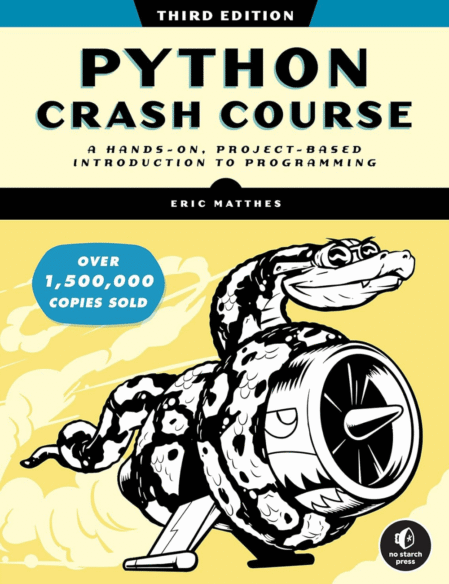
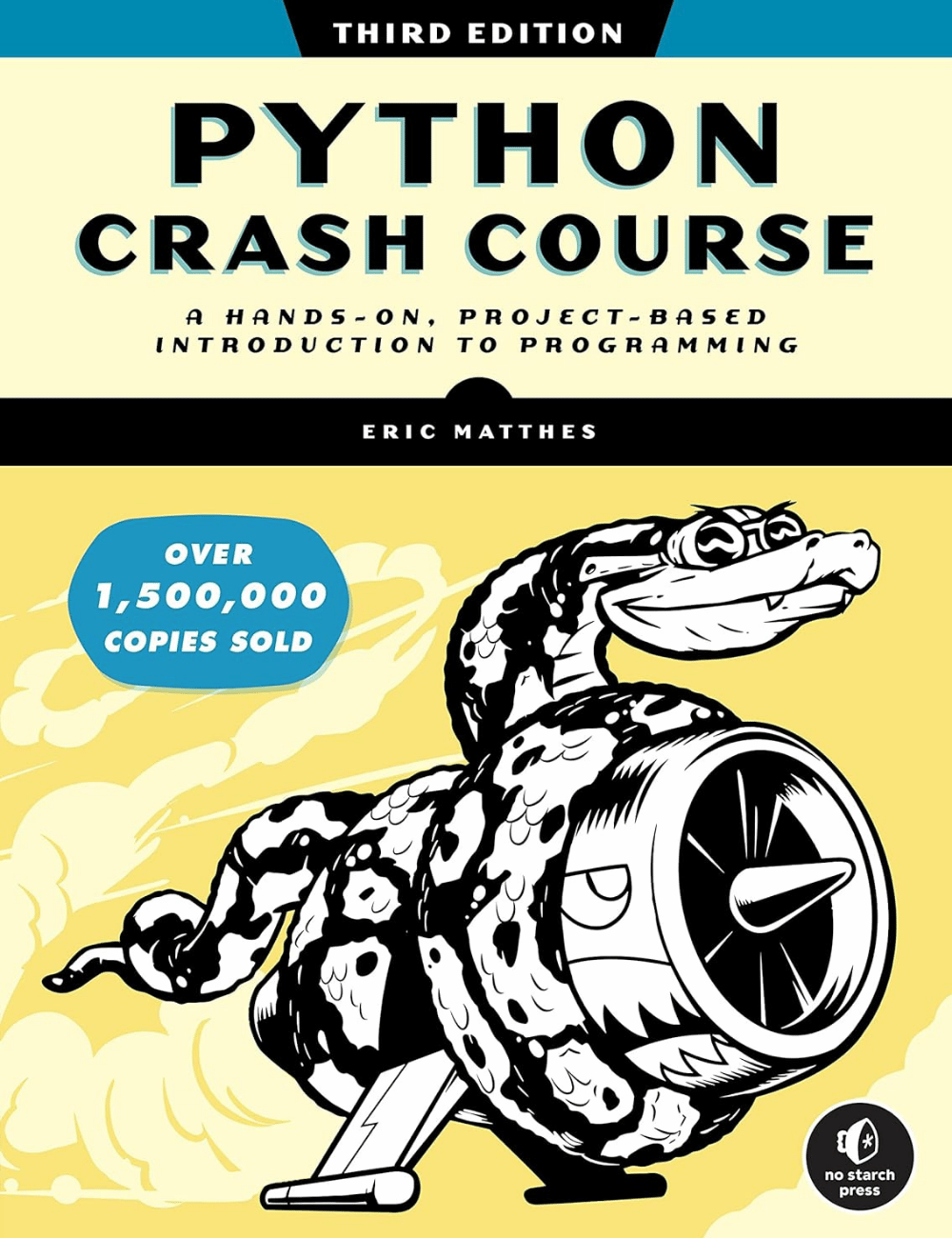
Python Crash Course is the world’s bestselling programming book, with over 1,500,000 copies sold to date!
Python Crash Course is the world’s best-selling guide to the Python programming language. This fast-paced, thorough introduction will have you writing programs, solving problems, and developing functioning applications in no time.
You’ll start by learning basic programming concepts, such as variables, lists, classes, and loops, and practice writing clean code with exercises for each topic. You’ll also learn how to make your programs interactive and test your code safely before adding it to a project. You’ll put your new knowledge into practice by creating a Space Invaders–inspired arcade game, building a set of data visualizations with Python’s handy libraries, and deploying a simple application online.
As you work through the book, you’ll learn how to:
- Use powerful Python libraries and tools, including pytest, Pygame, Matplotlib, Plotly, and Django
- Make increasingly complex 2D games that respond to keypresses and mouse clicks
- Generate interactive data visualizations using a variety of datasets
- Build apps that allow users to create accounts and manage their own data, and deploy your apps online
- Troubleshoot coding errors and solve common programming problems
New to this edition: This third edition is completely revised to reflect the latest in Python code. New and updated coverage includes VS Code for text editing, the pathlib module for file handling, pytest for testing your code, as well as the latest features of Matplotlib, Plotly, and Django.
If you’ve been thinking about digging into programming, Python Crash Course will provide you with the skills to write real programs fast. Why wait any longer? Start your engines and code!
Key Takeaways
1. Installing and setting up Python, Pygame, and Matplotlib
- “Python uses indentation to determine when one line of code is connected to the line above it.”
Environment setup: Installing Python, Pygame, and Matplotlib is crucial for creating data visualizations and games. Python’s syntax relies on proper indentation, making code structure visually clear.
Installation process:
- Install Python from python.org
- Use pip to install Pygame and Matplotlib
- Verify installations by importing modules in Python shell
Proper setup ensures a smooth development process, allowing you to focus on coding rather than troubleshooting environment issues.
2. Creating basic visualizations with Matplotlib
“To make the Play button visible above all other elements on the screen, we draw it after all other game elements have been drawn and before flipping to a new screen.”
Matplotlib basics: Matplotlib is a powerful library for creating static, animated, and interactive visualizations in Python. It offers a wide range of plot types and customization options.
Key concepts:
- Creating simple line plots and scatter plots
- Customizing plot appearance (colors, labels, titles)
- Saving plots as image files
Understanding these fundamentals allows you to create informative and visually appealing charts to represent your data effectively.
3. Generating random walks and visualizing data
“A random walk is a path that has no clear direction but is determined by a series of random decisions, each of which is left entirely to chance.”
Random walk concept: Random walks are useful for modeling various phenomena in nature, physics, and economics. They provide a way to visualize and analyze unpredictable processes.
Implementation:
- Create a RandomWalk class to generate random walk data
- Use Matplotlib to plot the random walk points
- Customize the visualization (colors, point sizes, etc.)
Visualizing random walks helps in understanding patterns in seemingly chaotic data and can be applied to real-world scenarios like stock market trends or particle movement.
4. Using Pygal for interactive data visualizations
“Pygal focuses on creating visualizations that work well on digital devices.”
Pygal advantages: Pygal excels in creating interactive, scalable vector graphics (SVG) that are ideal for web-based visualizations. Its output adapts well to different screen sizes and devices.
Key features:
- Easy-to-use API for various chart types
- Built-in styling options
- Interactive elements (tooltips, zooming)
Pygal’s simplicity and interactivity make it an excellent choice for creating engaging data visualizations, especially for online platforms and responsive web designs.
5. Working with CSV files and the datetime module
“CSV files can be tricky for humans to read, but they’re easy for programs to process and extract values from, which speeds up the data analysis process.”
CSV handling: CSV (Comma-Separated Values) is a common format for storing tabular data. Python’s csv module simplifies reading and writing CSV files, making data processing efficient.
Working with dates:
- Use the datetime module to parse and manipulate date information
- Convert string dates to datetime objects for analysis
- Format dates for display in visualizations
Mastering CSV handling and date manipulation is crucial for working with real-world data sets, especially in fields like finance, weather analysis, and social sciences.
6. Mapping global data sets using JSON format
“To create a random walk, we’ll create a RandomWalk class, which will make random decisions about which direction the walk should take.”
JSON data processing: JSON (JavaScript Object Notation) is a lightweight data interchange format. Python’s json module allows easy parsing and manipulation of JSON data.
Creating world maps:
- Use Pygal’s Worldmap chart type
- Convert country names to two-letter country codes
- Map data values to countries for visualization
Working with JSON and creating world maps enables the visualization of global data sets, making it easier to identify patterns and trends across different countries and regions.
7. Styling and customizing world maps in Pygal
“Pygal styles are stored in the style module from which we import the style RotateStyle.”
Map customization: Pygal offers various styling options to enhance the appearance and readability of world maps. Proper styling can significantly improve the effectiveness of your visualizations.
Styling techniques:
- Use RotateStyle to apply custom color schemes
- Implement LightColorizedStyle for lighter themes
- Group countries by data ranges for better contrast
Mastering these styling techniques allows you to create visually appealing and informative world maps that effectively communicate your data insights to viewers.
Book details
- Author : Eric Matthes
- Publisher : Efinito
- Publication date : July 14, 2022
- Print length : 300 pages
- Language : English
- Format : Paperback